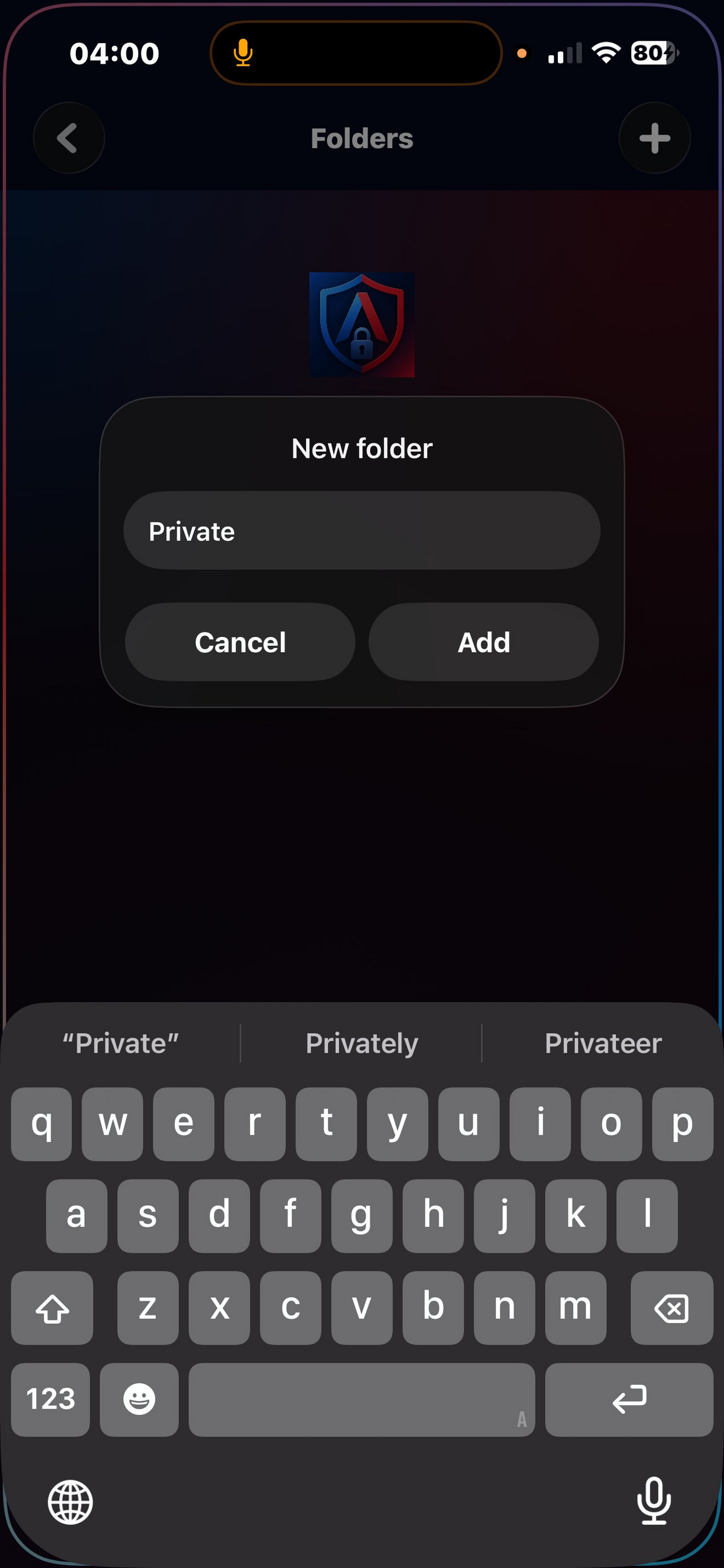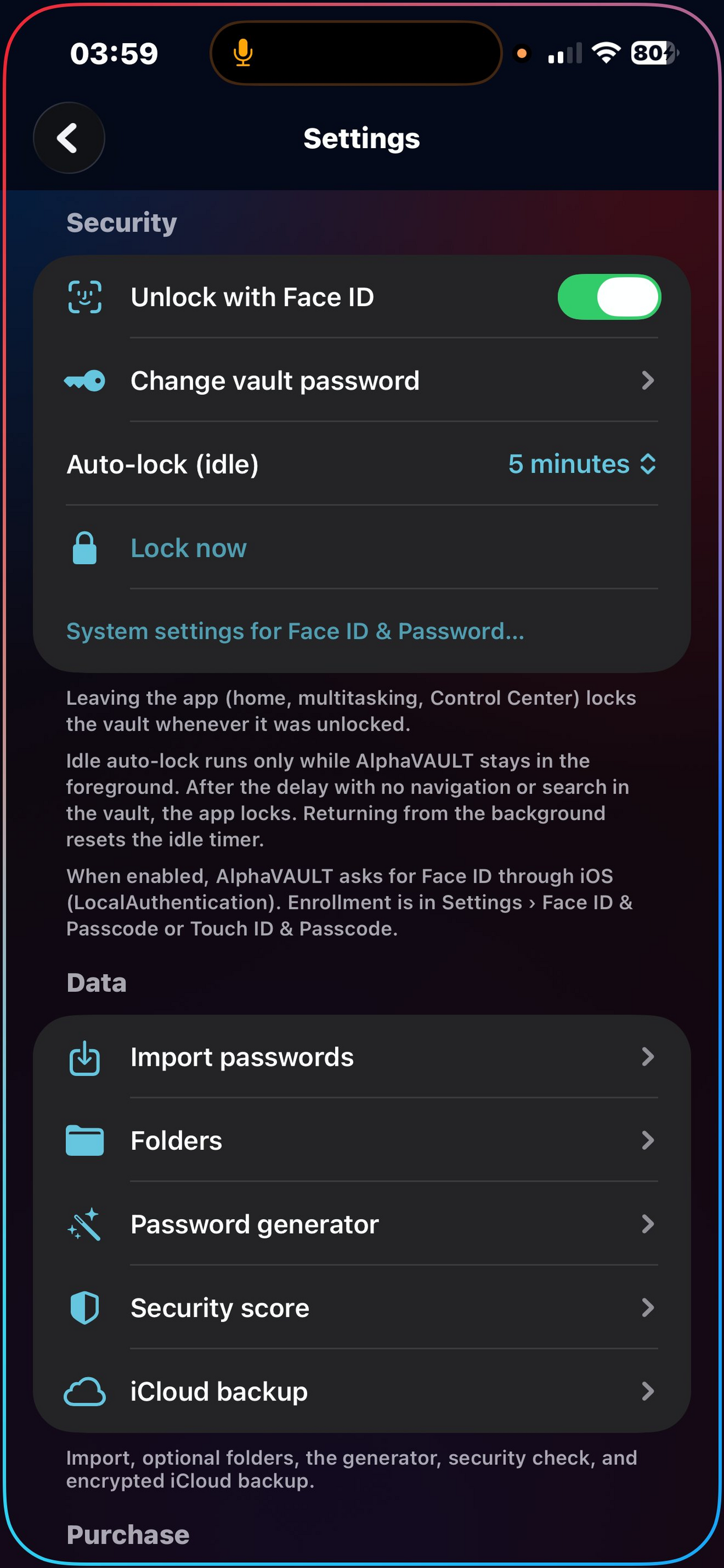
AlphaVAULT keeps your passwords safe with AES-256 encryption that never leaves your device. Store credentials for apps and websites, organise them into folders, generate strong passwords, check your security score, and let iOS AutoFill enter logins for you in Safari and other apps. Import from Apple Passwords, 1Password, Bitwarden, LastPass, Dashlane, Chrome, and Firefox. Back up your encrypted vault to iCloud, only you can read it.
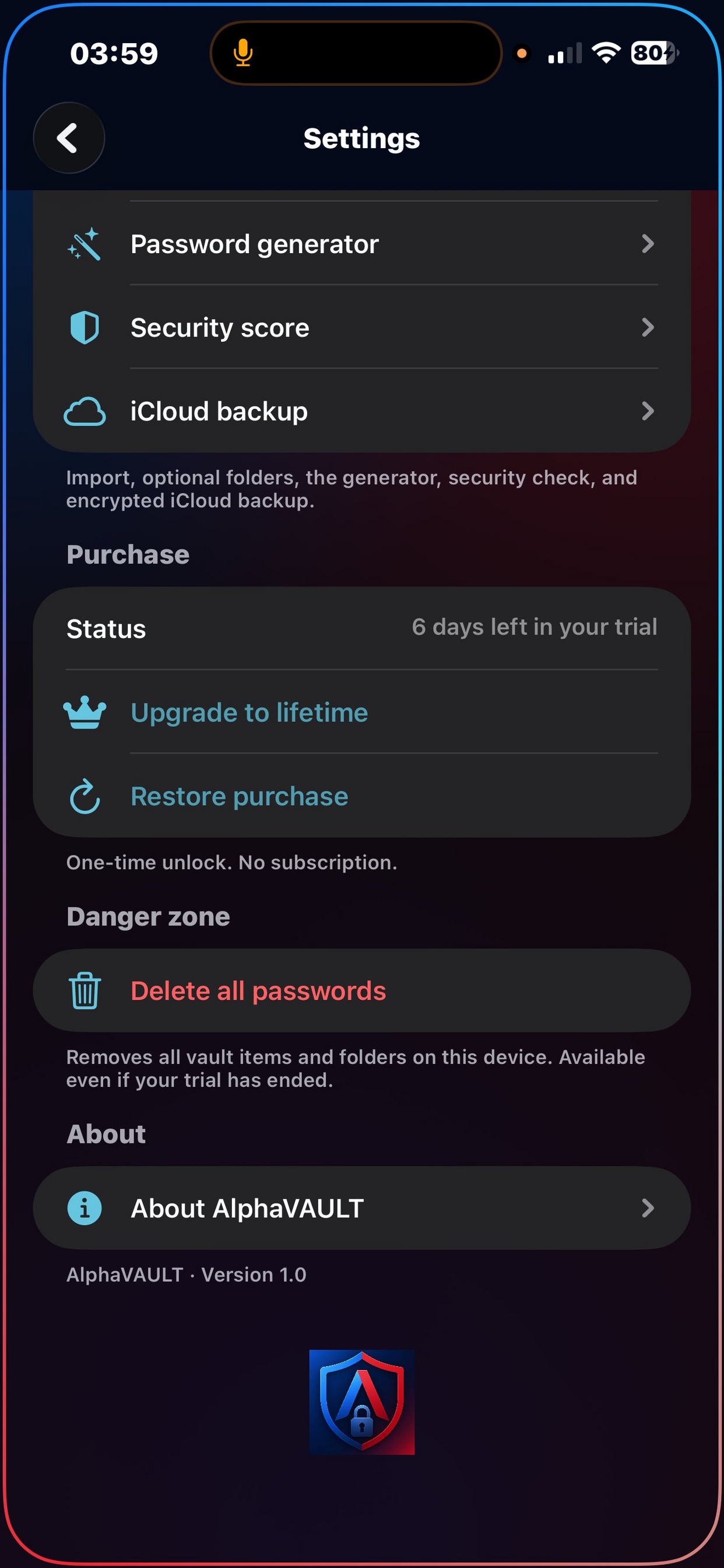
Start a 7-day trial, then unlock permanently with a one-time purchase, and no subscription.
Your passwords, your device, your key
AlphaVAULT encrypts every credential with AES-GCM 256-bit using a key derived from your vault password via HKDF-SHA256. The encryption key is stored in the iOS Keychain backed by the Secure Enclave. Sensitive fields are encrypted at rest in the on-device database, titles and usernames remain searchable, but passwords and notes are always ciphertext until you need them.
Passwords where you need them
Enable AlphaVAULT as your AutoFill provider in iOS Settings and your saved credentials appear automatically when you tap a login field in Safari or any app. The AutoFill extension authenticates with Face ID or Touch ID before filling, and updates your "last used" timestamp so you always know which logins are active.
Strong passwords in one tap
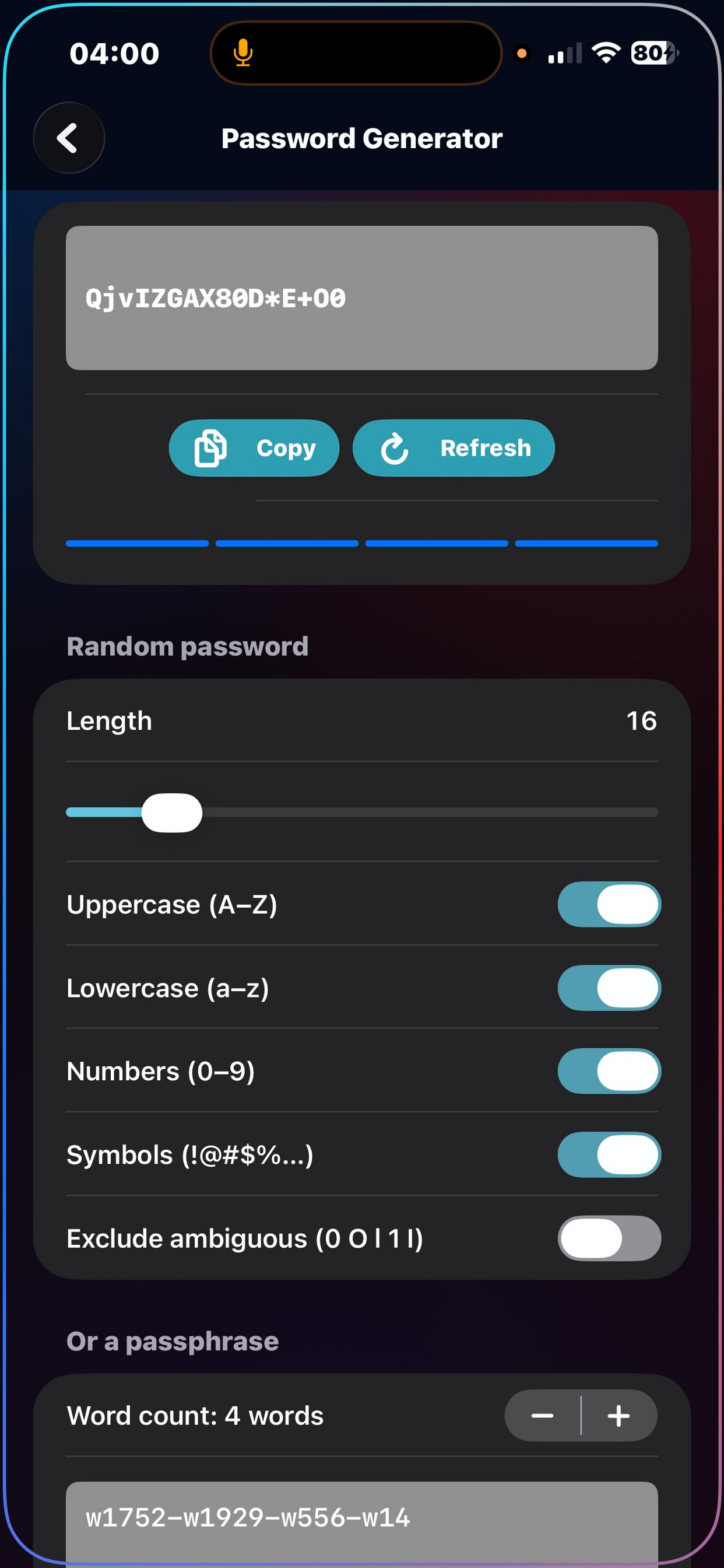
Configure length from 8 to 64 characters, toggle uppercase, lowercase, numbers, and symbols, or exclude ambiguous characters like 0, O, l, and 1. The generator uses cryptographically secure randomness via SecRandomCopyBytes. For something more memorable, switch to passphrase mode and generate word combinations separated by dashes.
Know your password health
The security dashboard analyses every credential in your vault and produces a score from 0 to 100. It flags weak passwords, reused passwords across multiple logins, passwords older than 90 days, passwords shorter than 8 characters, and items missing a website URL (which prevents AutoFill). Each issue links directly to the item so you can fix it immediately.
Switch from any password manager
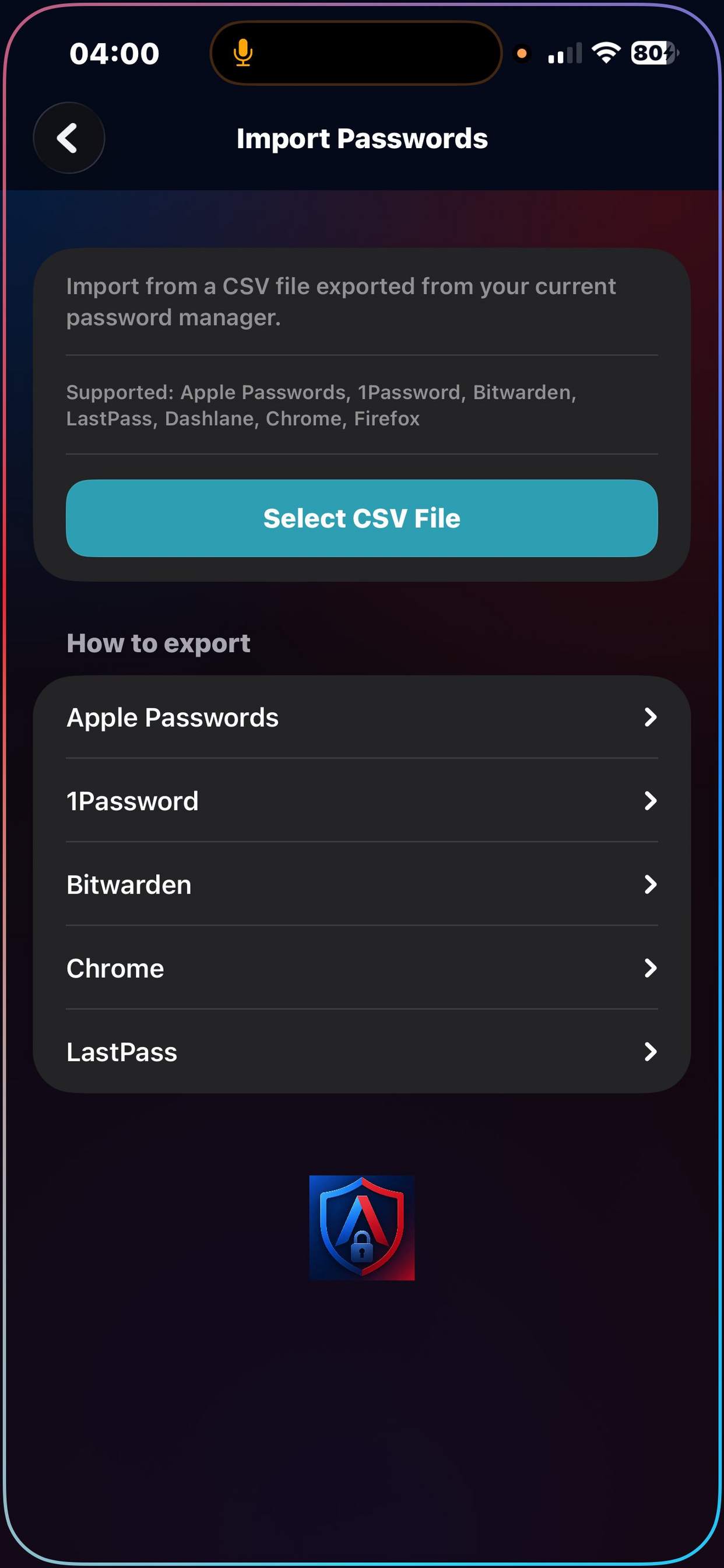
Export a CSV from your current password manager and import it into AlphaVAULT. The importer auto-detects column formats from Apple Passwords, 1Password, Bitwarden, LastPass, Dashlane, Chrome, and Firefox. It handles quoted fields with commas, skips empty passwords, detects duplicates, and shows you a preview before committing the import.
Encrypted cloud backup, zero trust
Your entire vault is serialised, encrypted as a single AES-256 blob, and uploaded to your private iCloud container. The backup is unreadable without your vault password, even if someone accesses your iCloud account. Restore onto a new device by signing in and entering your vault password. Previous backups are listed with timestamps and can be individually deleted.
One payment, no subscriptions, ever
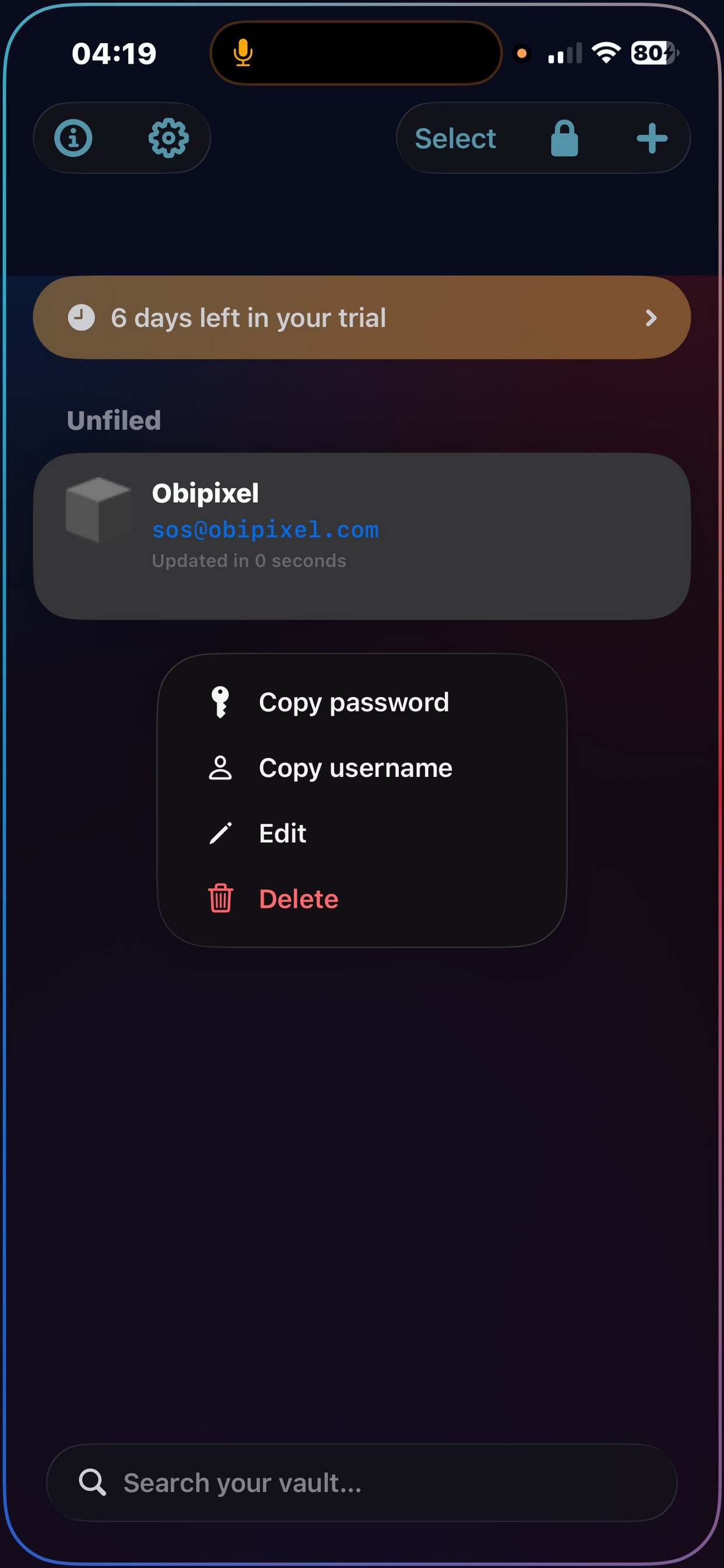
New users get a full 7-day trial with every feature unlocked. After the trial, a single one-time purchase unlocks AlphaVAULT permanently, no recurring charges, no tiers, no hidden costs. All future updates are included. If your trial expires before you purchase, you can still view and copy your existing passwords (read-only) so you're never locked out of your own credentials.