
PhishCheck MCP
Phishing Email Risk Reports
What it does
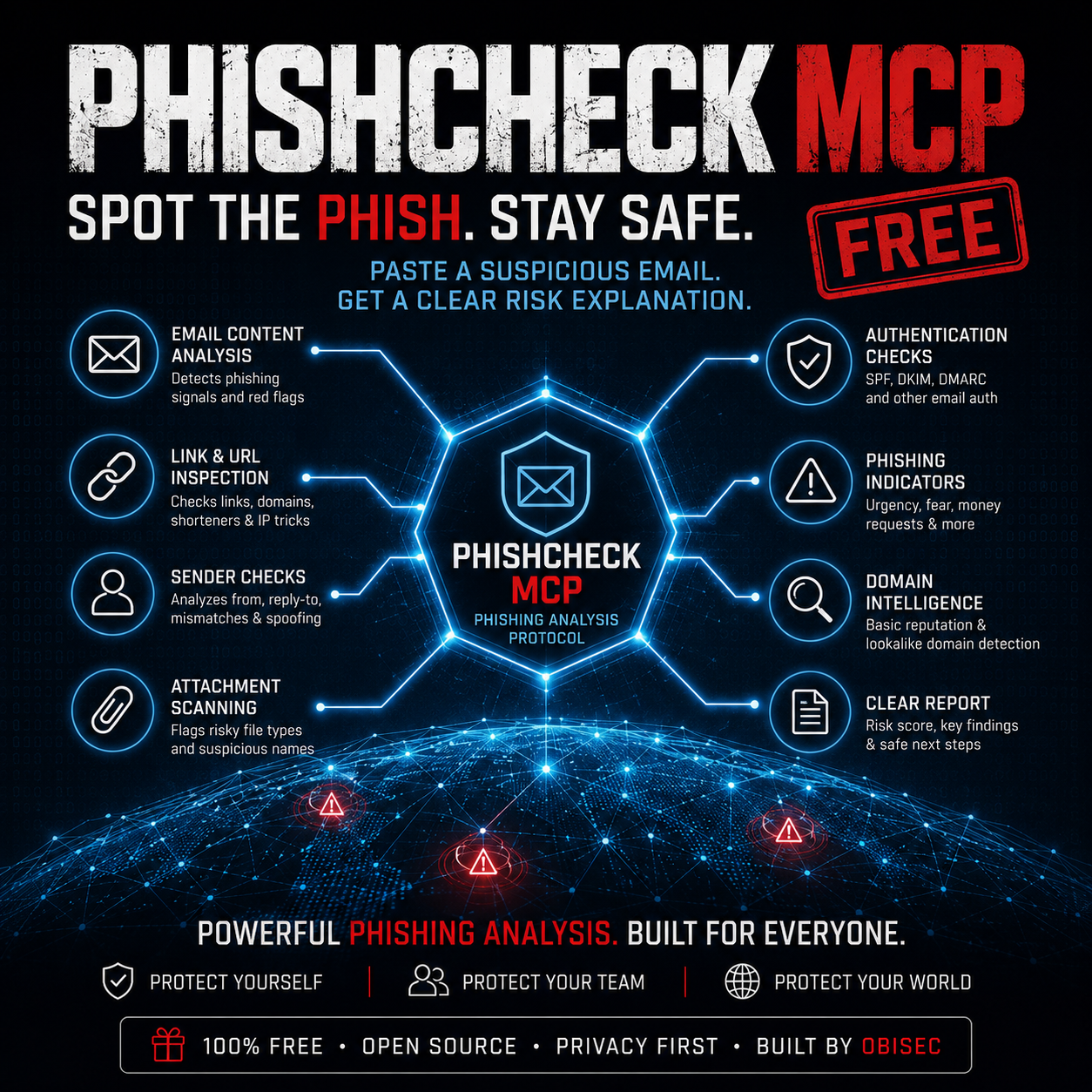
PhishCheck MCP lets a user paste a suspicious email, message text or email header and generate a simple phishing risk report. It checks the content for common phishing clues, explains the risk in plain English and gives safe next steps before the user clicks anything.
Risk rating: High
Score: 84/100
Suggested action: do not click links, verify through a trusted channel and report the message.
Email Content Analysis
Reviews message wording for urgency, fear, pressure, credential requests and common phishing language.
Sender Checks
Looks at sender clues, reply-to issues, spoofing hints and identity mismatches in pasted headers or text.
Link and URL Inspection
Extracts links and flags risky patterns such as IP-based URLs, long subdomains, lookalike names and suspicious endings.
Attachment Warnings
Flags risky attachment references and file types often used in phishing and malware delivery.
Email Authentication Signals
Reads SPF, DKIM and DMARC results when they are present inside pasted email headers.
MCP Tools Included
Includes MCP tools for analysing email text, analysing files, extracting links, extracting identities and generating reports.
Why people will use it
- Home users can check suspicious emails before clicking links.
- Small businesses can give staff a simple phishing awareness tool.
- Cyber students can learn phishing indicators through practical examples.
- IT trainers can use it for demos, labs and awareness sessions.
- Consultants can use the report as a first conversation starter with clients.
Built from the same world as CODENAME: LIB3RTY
PhishCheck MCP is a free practical cyber tool from Obisec. It sits alongside the themes behind CODENAME: LIB3RTY, a high-tech thriller about cyber security, surveillance, AI, financial control and the systems shaping our future.